Transcript
Stay inside the line you are hearing.
The key to fluency is consistent practice.
You need to immerse yourself in the language.
Loop the line, slow it down, and watch it again until it lands.
Language Learning, Reimagined
Paste any video. Click any word. Build vocabulary, practice grammar, and sharpen pronunciation — all in one place.
No account needed · Partly offline · Free core tools
Featured clip
Hear natural English land in a real moment.
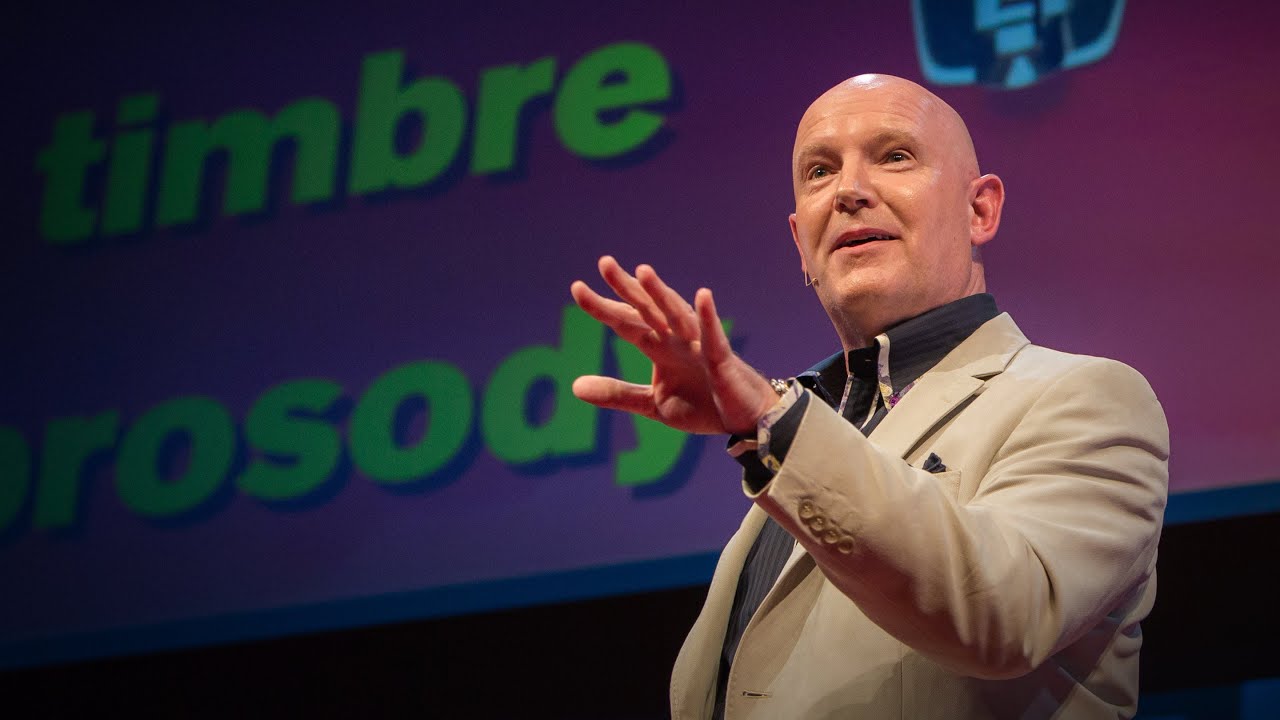
Search real captions
Explain in context
Review what sticks
Live demo data is unavailable right now. Open the search workspace to try it directly.
"give up"get _ uplearn*accent OR dialectSee it in action
One clip turns into transcript study, AI explanation, and spaced review. The interface stays quiet so the language stays central.
Open the study workspaceStay inside the line you are hearing.
The key to fluency is consistent practice.
You need to immerse yourself in the language.
Loop the line, slow it down, and watch it again until it lands.
AI
Queue
12
Saved words waiting for their next review.
Practice sets
3
Grammar and cloze drills generated from watched videos.
Flow
Watch, save, review, then go back to the next real example without switching tools.
Frequently asked
Everything you need to know about turning any YouTube video into an interactive English lesson.
Paste any YouTube URL into Looplines. The player loads the real caption track with word-level timing, so every word is clickable for an instant AI explanation, dictionary lookup, or native-audio replay. Save words to a vocabulary list stored locally in your browser, then review them with the SM-2 spaced-repetition algorithm.
Interactive captions are synced subtitles where every word is selectable. In Looplines, clicking a word pauses the video, opens a dictionary tooltip, and offers AI context drawn from the surrounding sentence. You can loop any line, slow playback, toggle bilingual translations, and send the line to the AI study panel.
Core study tools are free and need no account. Built-in AI availability and limits may vary. Using your own API key is subject to your provider’s pricing and usage limits.
Any public YouTube video that has captions — either human-written or YouTube's auto-generated track — works. Looplines fetches the caption file directly, parses it with word-level timing, and indexes it for full-text search across videos you and other learners have opened.
YouGlish lets you hear a word in YouTube clips. Looplines goes further: you can open the full video in an interactive player, search captions across indexed videos with FTS5 ranking, save words to a spaced-repetition deck, generate AI practice exercises, and track listening time on a learning dashboard.
Saved study material can be reviewed without a connection while the app is already open. Loading or reopening the app may require a connection. Video playback, caption requests/search, and AI features require network services.
Looplines can explain any word or phrase in context, translate captions line-by-line or in bulk, generate grammar drills and cloze exercises from a video, produce a per-video study guide, and run a full conversational chat grounded in the transcript. All features stream via the TanStack AI adapter and support OpenAI, OpenRouter, Minimax, and custom OpenAI-compatible providers.
Every saved word is scheduled with the SM-2 algorithm used by Anki and SuperMemo. Review sessions rate each word Again, Hard, Good, or Easy — intervals then grow exponentially for easy items and collapse for forgotten ones, so your study time is spent on what you're about to forget.
No account needed for core study tools. Vocabulary, notes, and progress are stored in your browser. Captions, video playback, and AI features use network services.